
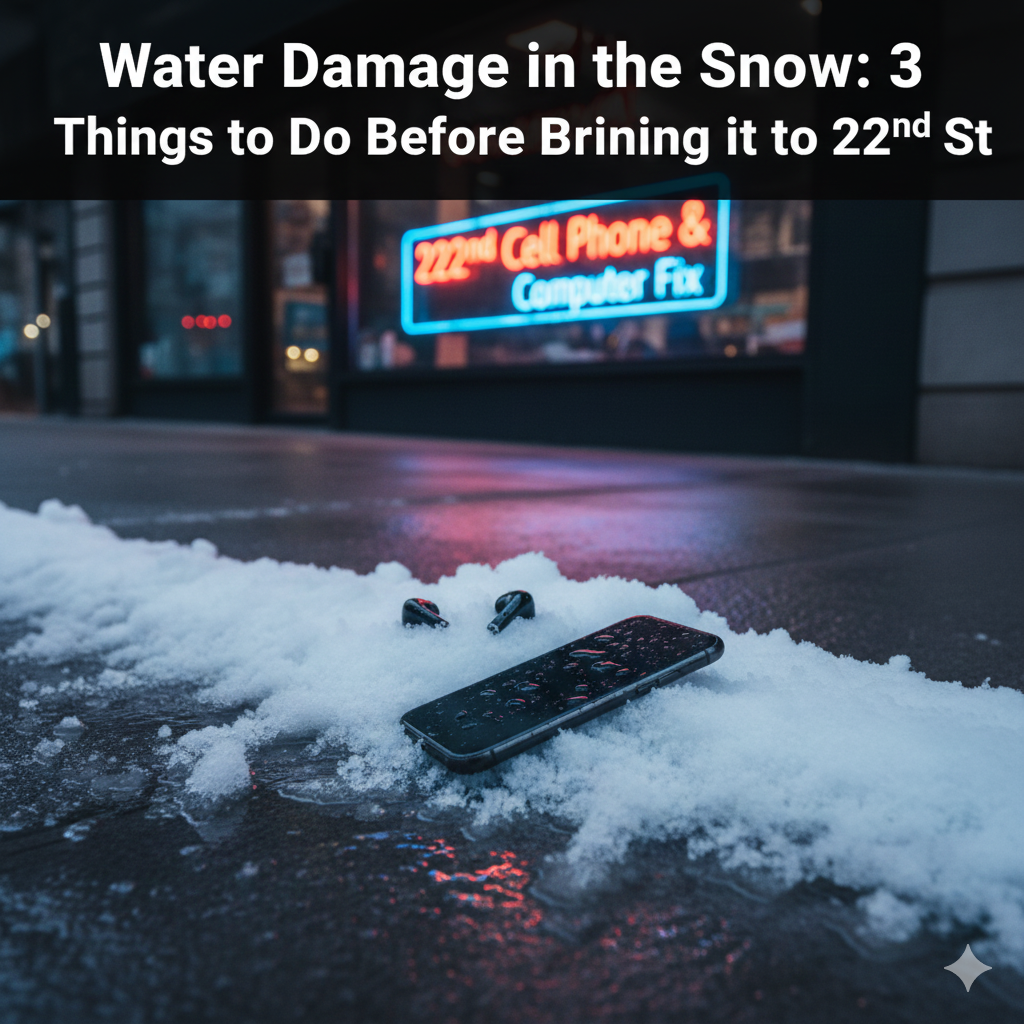
I have spent years fixing phones here on 22nd St West, and if there is one thing I’ve learned about Saskatoon, it’s that our snow isn’t just “frozen water.” It’s a mix of ice, slush, and heavy road salt.
When your phone slips out of your glove and into a grey Saskatoon slush pile, the clock starts ticking. Saltwater is much more corrosive than tap water, it eats away at the copper inside your phone like crazy.
If you just dropped your phone in the snow, stop what you are doing. Here are the 3 things I need you to do before you bring it into 22nd Cell Phone and Computer Fix.
1. Power Down Immediately (Do Not “Test” It)
The biggest mistake I see is the “hopeful test.” You pick the phone up, wipe it on your sleeve, and try to swipe the screen to see if it still works. Don’t do this.
Water by itself doesn’t always kill a phone, electricity combined with water does. When you keep the power on, the water acts as a bridge, sending electricity to places it shouldn’t go and “frying” the motherboard.
- If it’s on, turn it off.
- If it’s already off, leave it off.
- Do not try to charge it to see if it “takes a jump.”
2. Skip the Rice (Seriously)
I know, I know, everyone tells you to put it in a bowl of rice. But please, as your neighbor on the West Side, I’m begging you to skip this.
Rice is actually quite dusty and starchy. When that starch meets the moisture in your phone, it creates a gummy paste that gets stuck in your charging port and speakers. Plus, rice is a “passive” drier. It doesn’t actually pull water out from the deep inside of the phone where the damage is happening. You’re better off leaving it on a dry towel in a spot with good airflow.
3. Wipe it Down and Position it Right
Once you’ve grabbed it from the snow, use a dry cloth (not a paper towel, which leaves bits of paper in the ports) to get the outside dry.
Then, set it upright. If you have an iPhone or a newer Android, the water usually seeps in through the bottom speakers or the charging port. By propping it up vertically, you’re letting gravity help pull the moisture out of those openings rather than letting it sit and soak into the screen.
FAQs
Is it true that modern phones are “waterproof”?
Most newer phones are “water-resistant,” not waterproof. This means they have a rubber seal inside. However, Saskatoon winters are hard on those seals. The extreme cold can make the rubber brittle, and road salt can dissolve the adhesive. Never assume your phone is safe just because the box said “IP68.”
How long should I wait before trying to turn it on?
If it were a deep soak in slush, you really shouldn’t try at all until a pro has opened it up. Corrosion can start in as little as 30 minutes. If you absolutely must try, wait at least 48 hours, but even then, you’re taking a gamble.
What if my phone says “Liquid Detected” in the charging port?
This is your phone’s safety feature. It has disabled the port to prevent a short circuit. Do not try to “blow-dry” the port with a hairdryer, the heat can melt the internal glue. Just let it sit in a warm (not hot) room.
Can you actually fix a water-damaged phone?
Yes, we do it all the time! At our 2124 22nd St West shop, we open the phone, use specialized chemicals to neutralize the salt and corrosion, and dry the components individually. The faster you get it to us, the higher the success rate.
Stop By the Shop
If you’re on the West Side and your phone took a dive, don’t wait for the “rice trick” to fail. Bring it to us at the 22nd Cell Phone and Computer Fix. We’ll give you an honest assessment and do our best to save your data and your device before the rust sets in.