

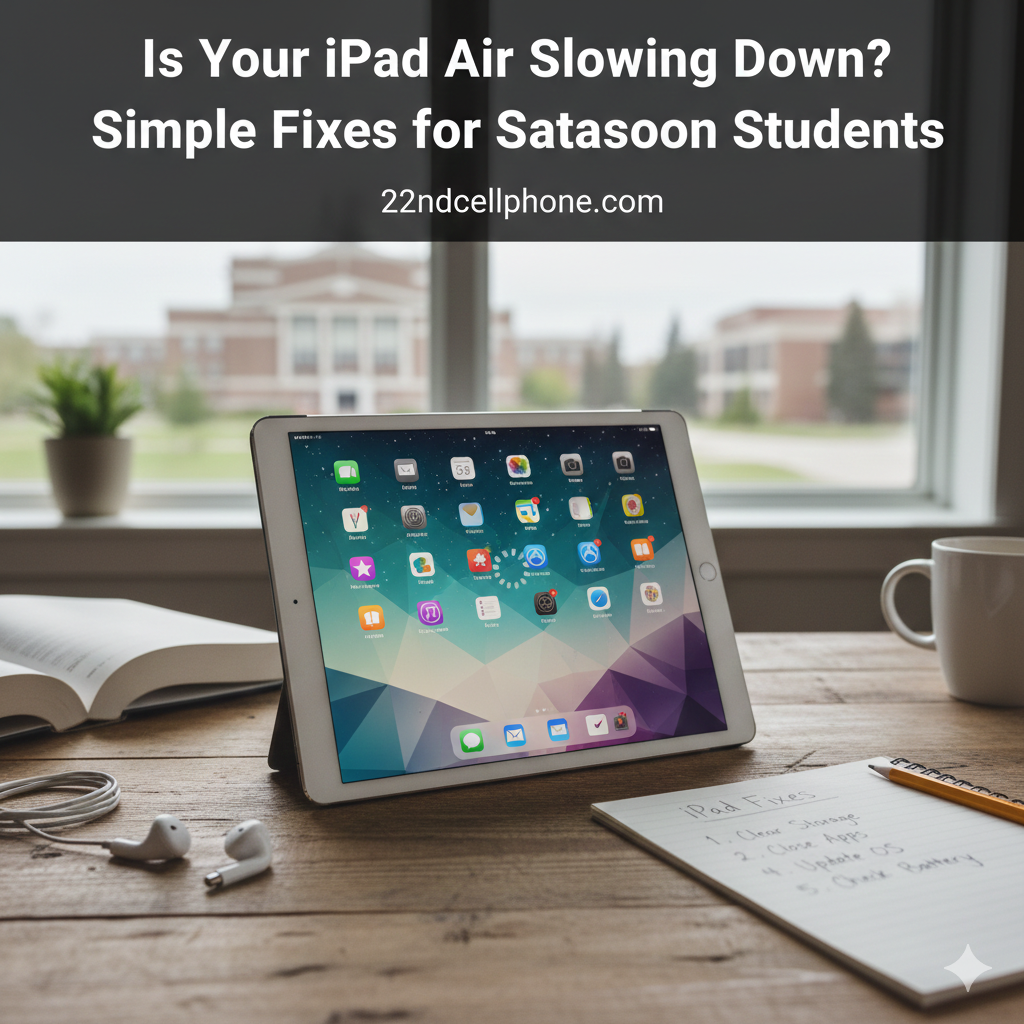
You’re in the middle of a lecture at U of S, Apple Pencil in hand, ready to scribble down that one crucial slide, and then it happens. Your iPad Air freezes. You tap, you swipe, but the screen just stares back at you while the professor moves on to the next topic.
I see this every single week at our shop on 22nd Street. Students from Sask Polytech and the University come in thinking they need to drop a thousand dollars on a brand-new Pro model just because their current iPad Air has started acting like it’s walking through Saskatoon slush in February.
Before you give up on your tablet, let’s talk about some “insider” fixes. Most of the time, your iPad isn’t dying—it’s just overwhelmed.
1. The “Storage Wall” (The 1GB Rule)
I’ve noticed that most students’ iPads are essentially digital hoarders. Between downloaded textbooks, lecture recordings, and three years of “maybe I’ll watch this later” Netflix episodes, your storage gets strangled.
- The Fix: Go to Settings > General > iPad Storage. If you have less than 1GB of free space, your iPad will lag.
- Pro Tip: Look for the “Offload Unused Apps” option. It keeps your data but deletes the app itself to give your processor some breathing room.
2. Kill the “Background Noise”
Even when you aren’t using an app, it might be trying to talk to the internet. If you’re on the eduroam or Sask Polytech Wi-Fi, which can already be hit-or-miss during peak hours, this background activity kills your speed.
- The Fix: Turn off Background App Refresh (Settings > General). You don’t need Spotify or Instagram updating in the background while you’re trying to use Notability.
3. The Battery Throttling Secret
This is the one most people don’t realize. Just like iPhones, when an iPad battery gets old and chemically degraded, the system might intentionally slow down the processor to prevent the tablet from shutting down unexpectedly.
If your iPad feels hot to the touch or the battery percentage jumps from 20% to 5% in a minute, your “slow” iPad is actually a battery issue.
Why “Campus Tech Support” Isn’t Always the Answer?
I love the IT desks at the Murray Library as much as anyone, but their job is to get you on the Wi-Fi, not to perform surgical hardware repairs. If your iPad has a physical issue—like a failing digitizer or a bloated battery—they’re just going to tell you to call Apple.
That’s where we come in. Being on the West Side (2124 22nd St W), we’re a quick trip for students who don’t want to deal with the mall crowds or wait weeks for a mail-in repair.
Our “Student-Speed” Guarantee:
- Tablet Speed Fix: We can diagnose if your lag is software or hardware in minutes.
- Affordable iPad Repair in Saskatoon: We know student budgets are tight. We offer honest pricing that beats the “big box” stores every time.
- Same-Day Diagnostics: Don’t spend a week without your notes.
FAQs
Why is my iPad so slow and laggy all of a sudden?
The most common causes are low storage space, an outdated iPadOS, or too many apps running background processes. However, if the lag is accompanied by high heat, it’s likely a hardware or battery issue.
How can I speed up my iPad for free?
Start by restarting your device (the “Power Off” slide does wonders). Then, clear your Safari cache (Settings > Safari > Clear History and Website Data) and disable “Reduce Motion” in your Accessibility settings to make transitions feel snappier.
Does a bad iPad battery make it run slower?
Yes. Apple’s software may throttle the performance of the processor if the battery can no longer provide the necessary peak power. A simple battery replacement can often make an old iPad Air feel brand new again.
Where is the best place for iPad repair in Saskatoon?
For students near the West Side or Downtown, 22nd Cell Phone & Computer Fix offers fast, local service for iPad screen replacements, battery swaps, and charging port repairs without the premium “authorized dealer” price tag.
Don’t Let a Slow iPad Ruin Your Semester
If you’ve tried the restarts and deleted the old apps but your iPad is still crawling, bring it by the shop. We’ll take a look and get you back to class with a tablet that actually works as fast as you do.
Check Our iPad Repair Services Here Stop by: 2124 22nd St W, Saskatoon, SK Call/Text: (306) 979-0412